

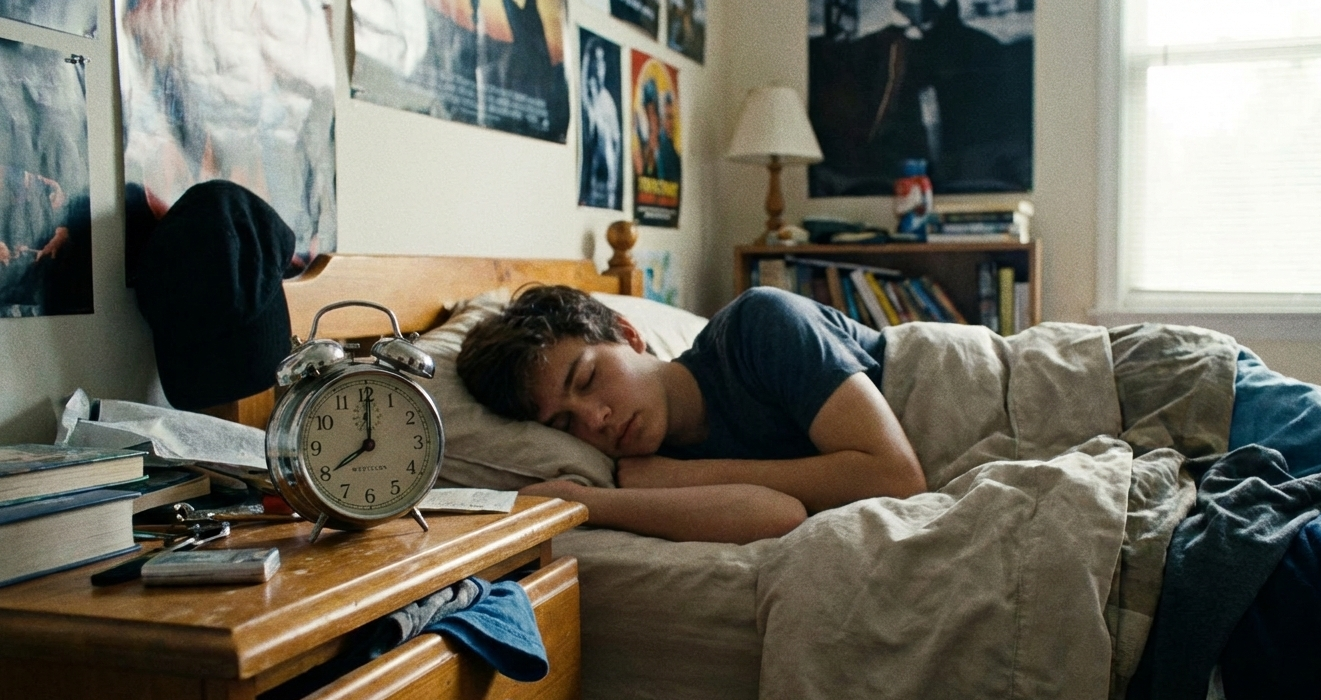
Protecting Sleep
“A child’s sleep patterns are just as important to their overall well-being as good nutrition and physical activity.”
Sleep is essential for every stage of childhood and adolescence. Elementary and middle school kids need 9-12 hours of sleep to support attention, learning, health, and wellbeing; even small sleep deficits can affect mood, behavior, and school performance. High school students experience a natural biological shift toward later bedtimes, yet still require 8-10 hours for social-emotional health, academic focus, and athletic performance. According to the Centers for Disease Control, only 1 in 4 teens gets those required 8 hours. Chronic sleep loss in adolescence is significantly linked to anxiety, depression, and unhealthy risk-taking.



Increasingly, tech use is disrupting sleep across all ages: screens suppress melatonin (the hormone that signals sleep), notifications interrupt rest, and late-night scrolling, gaming, and “just one more episode!” keeps kids’ brains alert when they should be winding down. Protecting sleep is one of the most powerful things parents can do to support their child’s health and development.
If late night use of a digital device is interfering with your child's sleep, the following are practical steps you can take to get devices out of the bedroom and help your child get the sleep they need!
Get an old-school alarm clock.
We hear from families that the biggest hurdle to removing devices from bedrooms is reliance on them as an alarm clock. Therefore, finding a suitable alarm replacement is your first step.

There are many alarm clock options - just make sure it’s easy to use and quiet (no one wants a ticking clock by their bed). We did the research for you and found several great options for "smarter" alarm clocks which will enable you to stow tech devices outside the bedroom at night.
Added perk: Getting kids to set their own alarms is great practice for building their executive function muscles!
Set up a communal charging station.
A communal charging station turns tech limits into a family routine instead of a nightly negotiation. Kind of like how your shoes always go by the front door if you are a shoes off home. Here are some of the ways having a communal charging station can help busy family life AND protect sleep:

Creates a natural boundary. Smaller mobile devices (phones, watches, tablets and laptops) have a “home,” so they’re not drifting into bedrooms at night. This reduces late-night scrolling and makes screen limits feel normal instead of punitive.
Builds shared family habits. When the grown-ups do it too, it sends the message: we all manage tech together. It’s a family culture, not just a rule for the kids. When everyone plugs in their device in a shared space, there’s more transparency and joint accountability.
Prevents charger panic! No more “Where’s my charger?” or “Who took my cord?” One place, one routine. And what about school mornings? Just think - school devices are charged, ready to go, and easy to find! Early-morning chaos be gone!
Ideally, a charging station is set up in a common space like the kitchen or hall. We recommend a public space but if you have a sneaky kid who needs a stronger boundary or space just isn’t available in a communal area, you can set up a charging station in the parent’s bedroom (try to find a spot away from the bed).
While it helps to buy a charging station, you can also just claim a spot as the overnight charging area and have a power strip that accommodates all the chargers.
What about desktop computers or larger gaming consoles? Ideally, gaming consoles and PCs are set up outside of bedrooms. But this isn’t always possible. If a stationary device has to stay in your child’s bedroom overnight, use parental controls on the device to reduce access during the night - we highly recommend the parental control guides from Protect Young Eyes.
Set a tech bedtime.

It’s never too early to set a family rule that devices stay out of bedrooms overnight. Starting this habit early makes it much easier to maintain as devices get smaller and harder to monitor. Most devices these days have some sort of Parental Control feature built in which allows parents to set time limits. To protect sleep, one of the most effective parental controls is to set up a “tech bedtime” on the device - a time when the device is no longer accessible and can only be accessed via a passcode.
We highly recommend that all screens be turned off at least one hour before your child’s bedtime - to give them time to unwind and be away from the blue light of screens (which can keep their brains in awake mode instead of rest mode).
Apple products have a Screentime setting called Downtime that can be used to keep features on iPhones and iPads inaccessible overnight.
Google Family Link has similar tools if your child has an Android device.



COLLECTIVE ACTION: Many tech rules are easier to enforce when families are aligned. Get together with the parents of your child’s friends and suggest a “village mentality” - could you all agree on the same tech bedtime on school nights? Normalizing that tech has a bedtime helps everyone. You can also agree on specific tech limits together — for example, no texting after 8 pm for your middle schooler, or no Roblox on school nights after 7 pm. Co-creating limits that protect sleep helps everyone develop a healthy and more balanced relationship with tech.
If you need stronger boundaries
Tech is sticky and kids can be sneaky. We’ve heard stories from parents about the lengths some kids will go to access devices while their parents are asleep. So if you need a stronger nighttime boundary, you can use settings on your router or via your cell service and feel comforted that your child won’t be online while you are blissfully asleep.
Turn off WiFi at night.
This can be set up through your router. You can also use content filters to block inappropriate sites and manage device-specific schedules for internet use. Click here for instructions and info.

Turn off cell service at night.
AT&T: SmartHome Manager App
Verizion: Verizon Family App
T-Mobile: T-Mobile FamilyMode
Do all you can to protect sleep! Combining multiple tools can help enforce boundaries and may be necessary to make sure that devices aren’t accessible overnight.
Have a list of reasons you can’t get devices out of bedrooms? You aren’t alone - we hear them often. We love these responses to common pushbacks and urge you to read through them. The one thing you can do with a far-reaching positive impact is to help your child or teen get more sleep. And it might mean you get better sleep too!
Sleep well, everyone.
Screen-Free Sleep Campaign
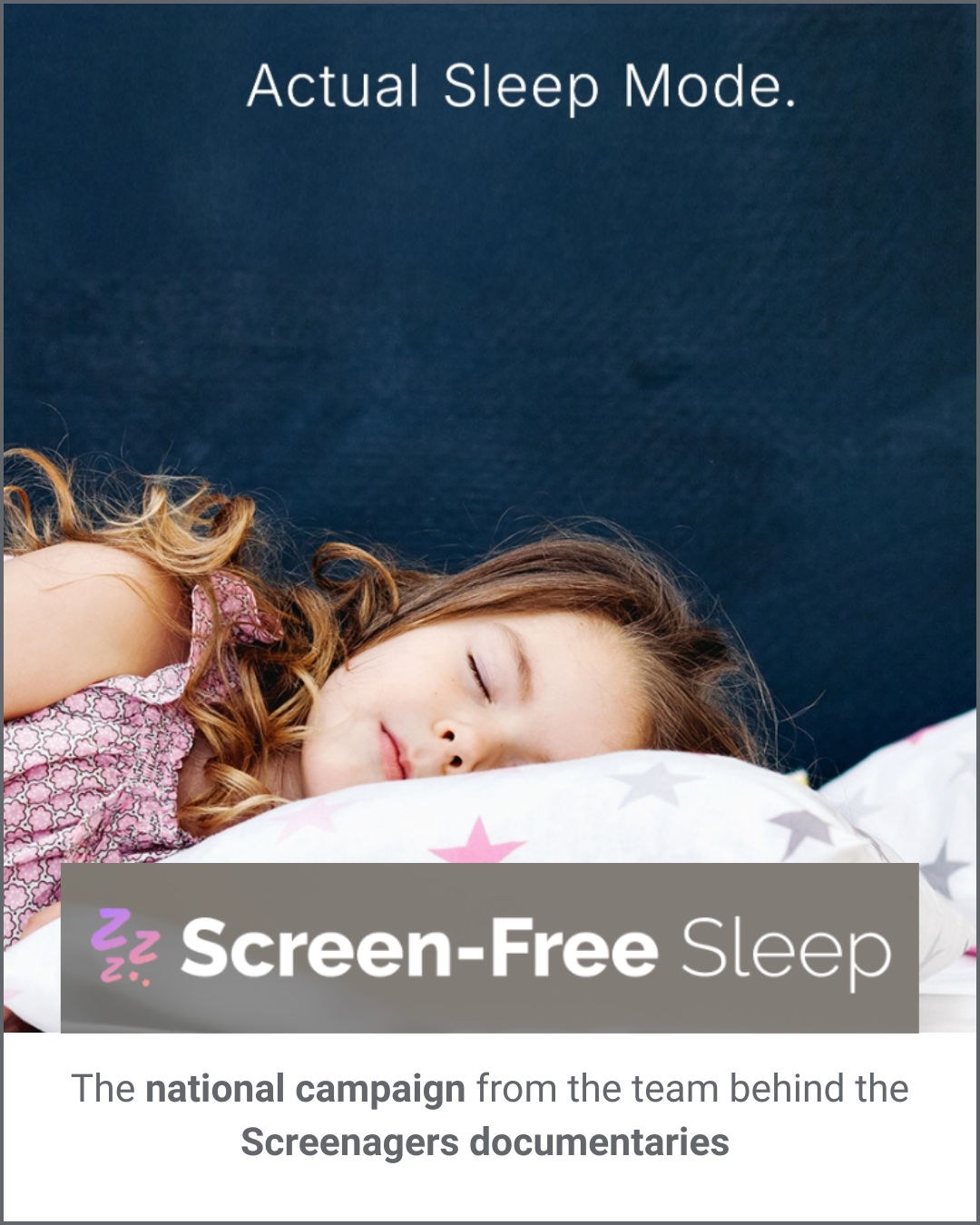
It can feel hard to start conversations about tech with other parents. If you have been wanting to talk about tech use within your community but are finding it hard to find the right way in, consider starting with a conversation about sleep. The team behind the Screenagers documentaries has launched a national campaign called Screen-Free Sleep. Think of it as a PSA that you can re-create in your friend group, school, church, sports club, town or city. The materials for rolling out the campaign are turn-key and ready to go!