

Downloadable
Tech Guides
Healthy Tech Use Guidelines by Age
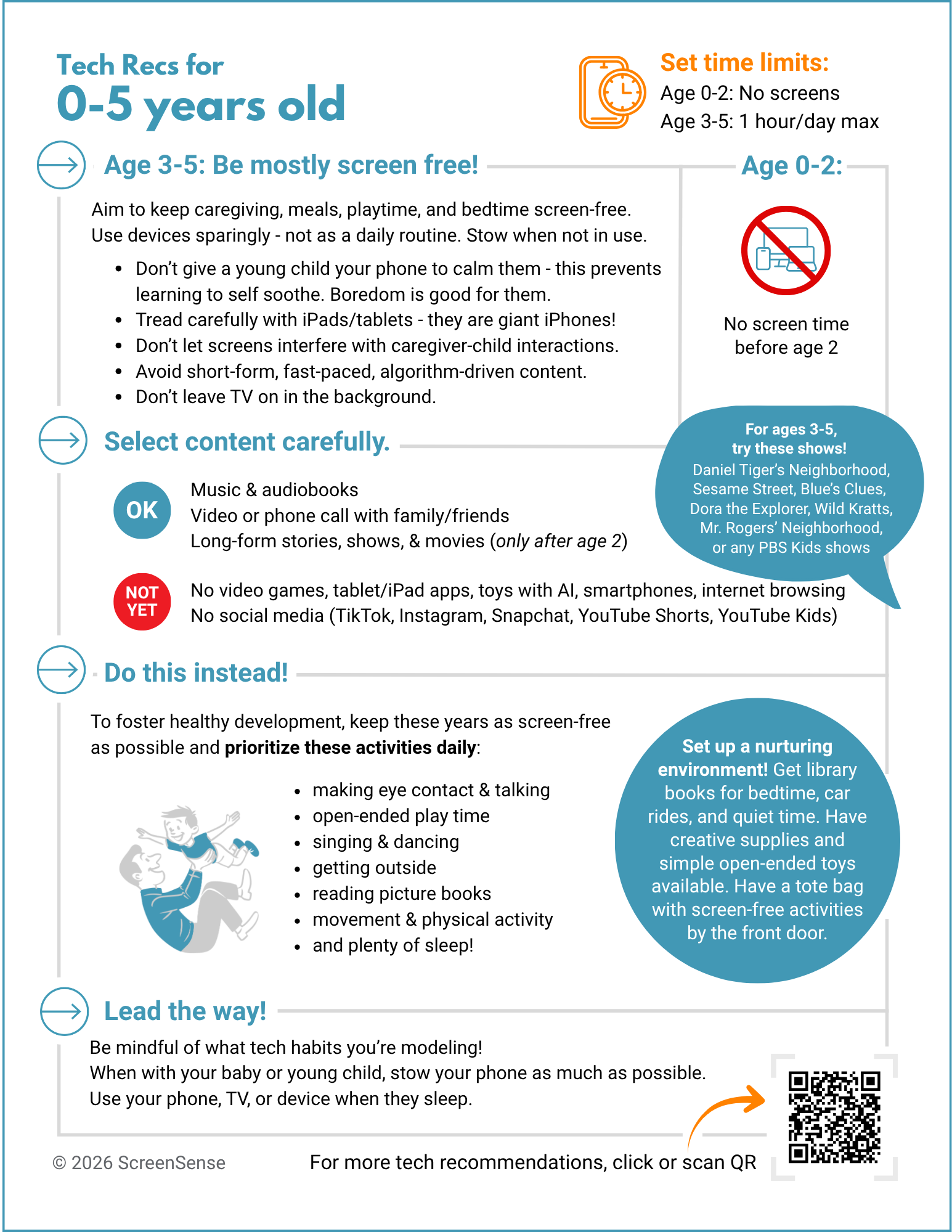
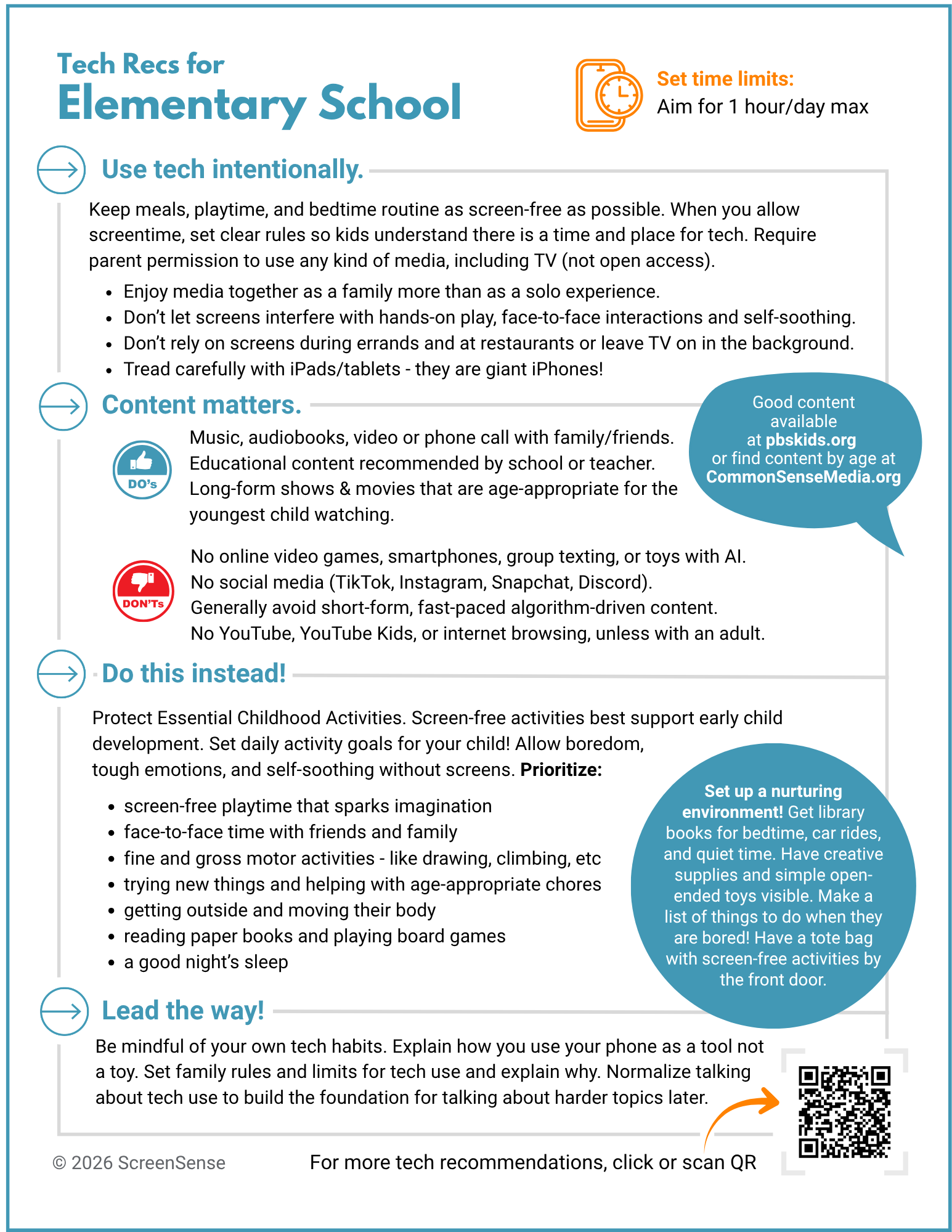
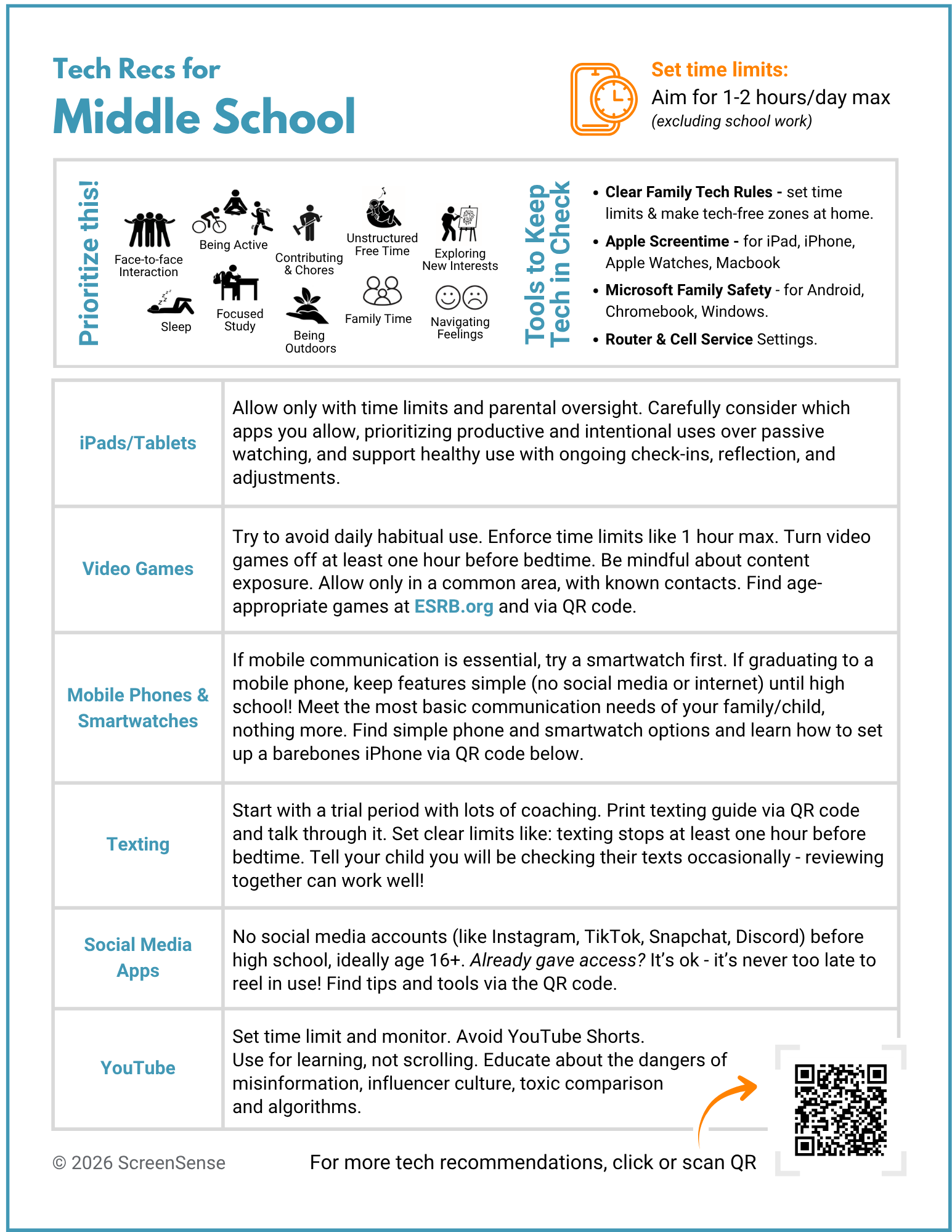
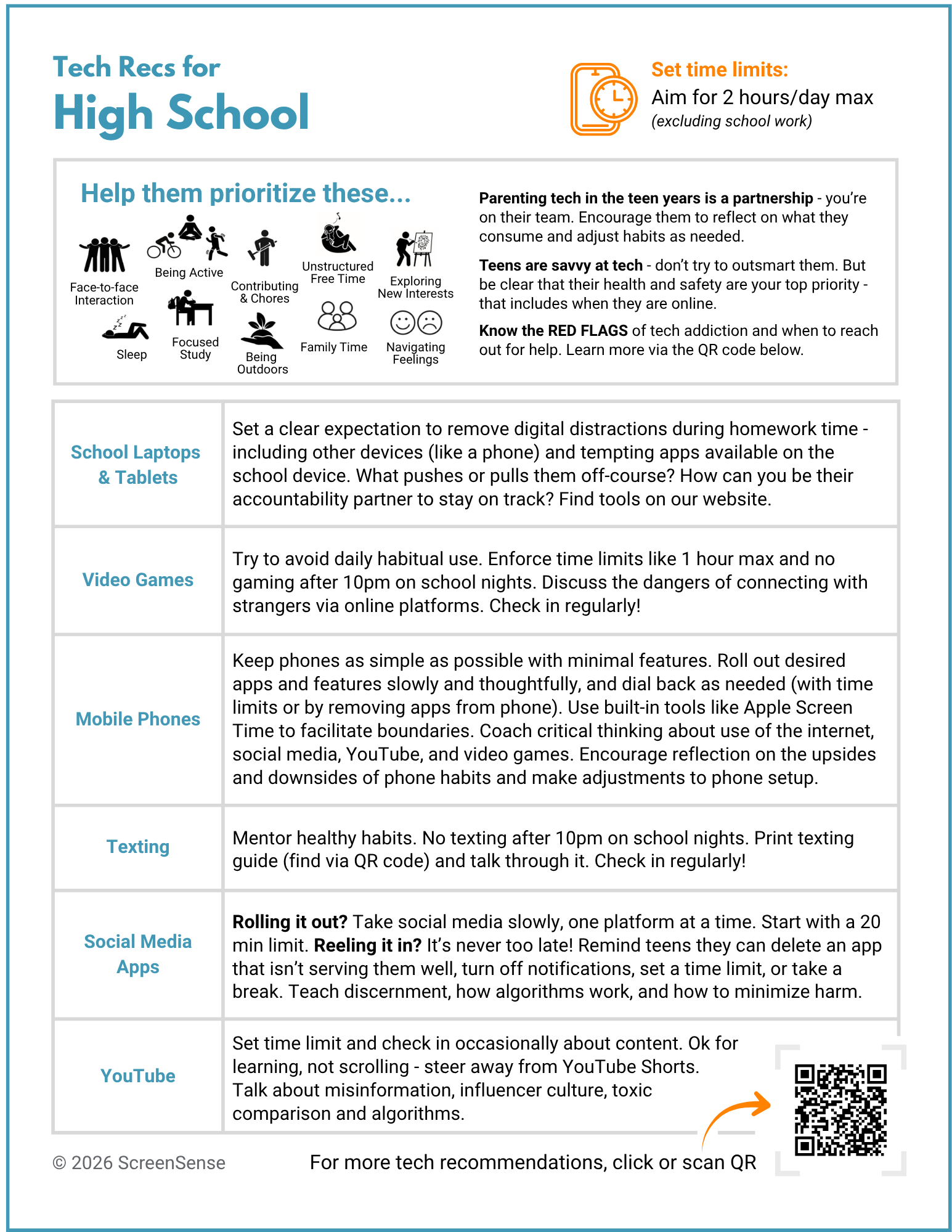
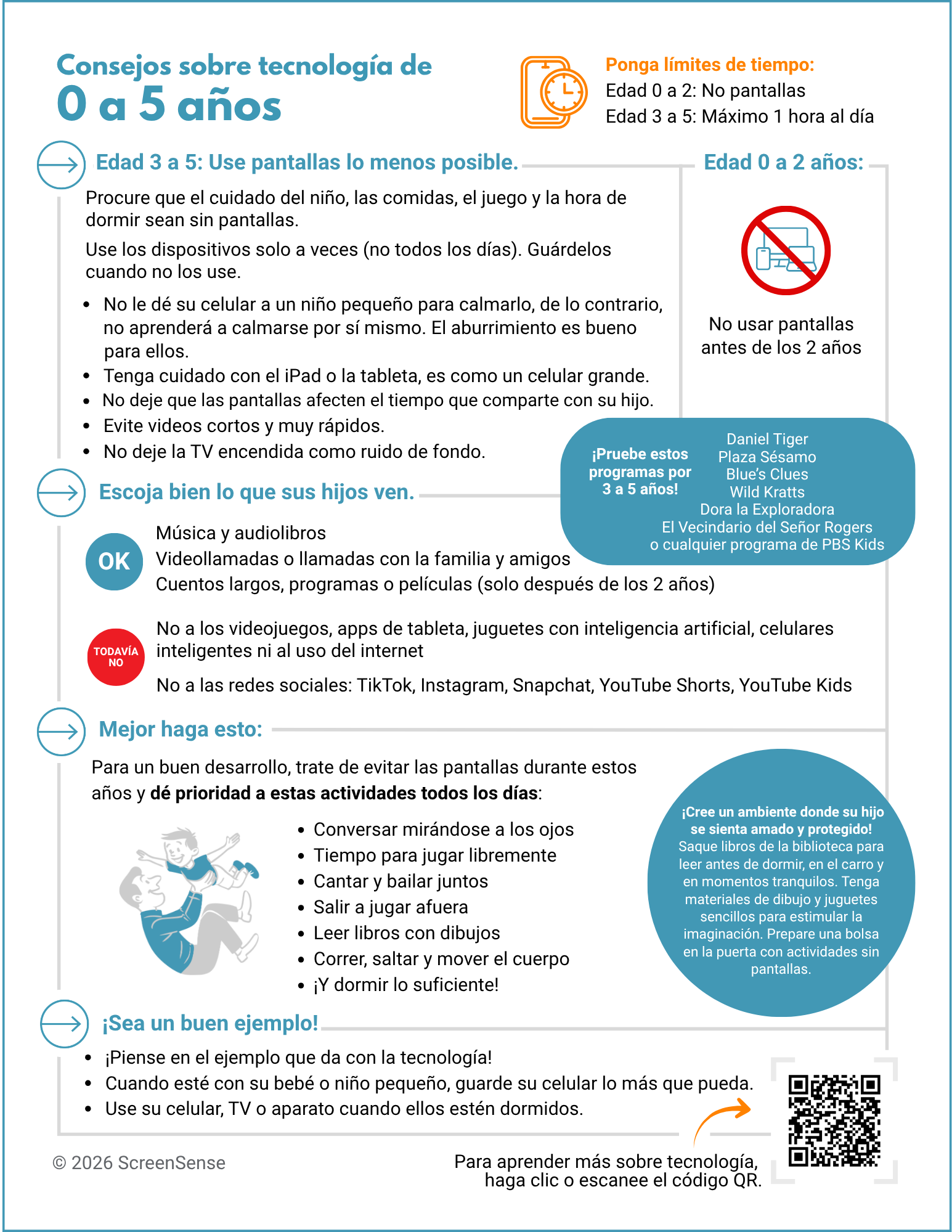
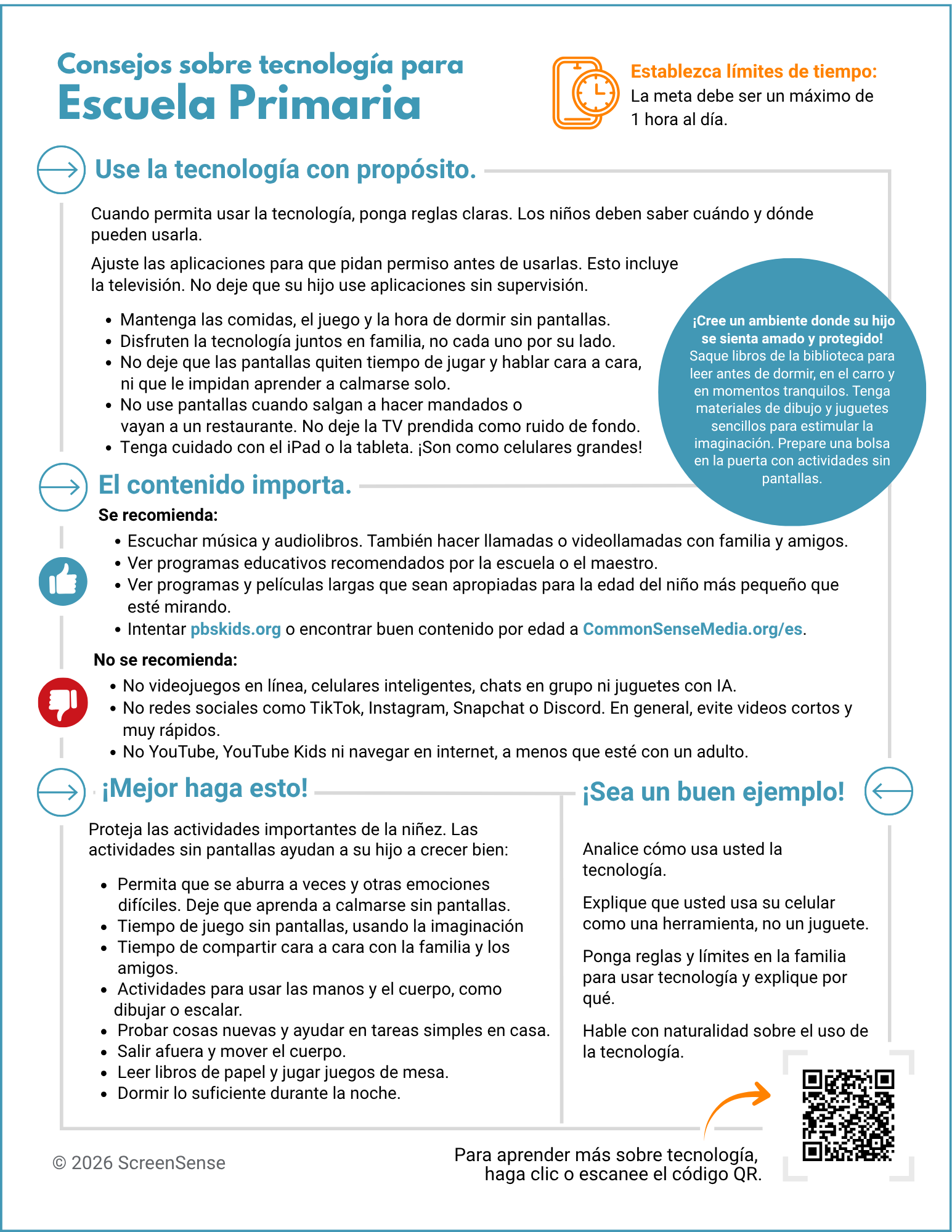
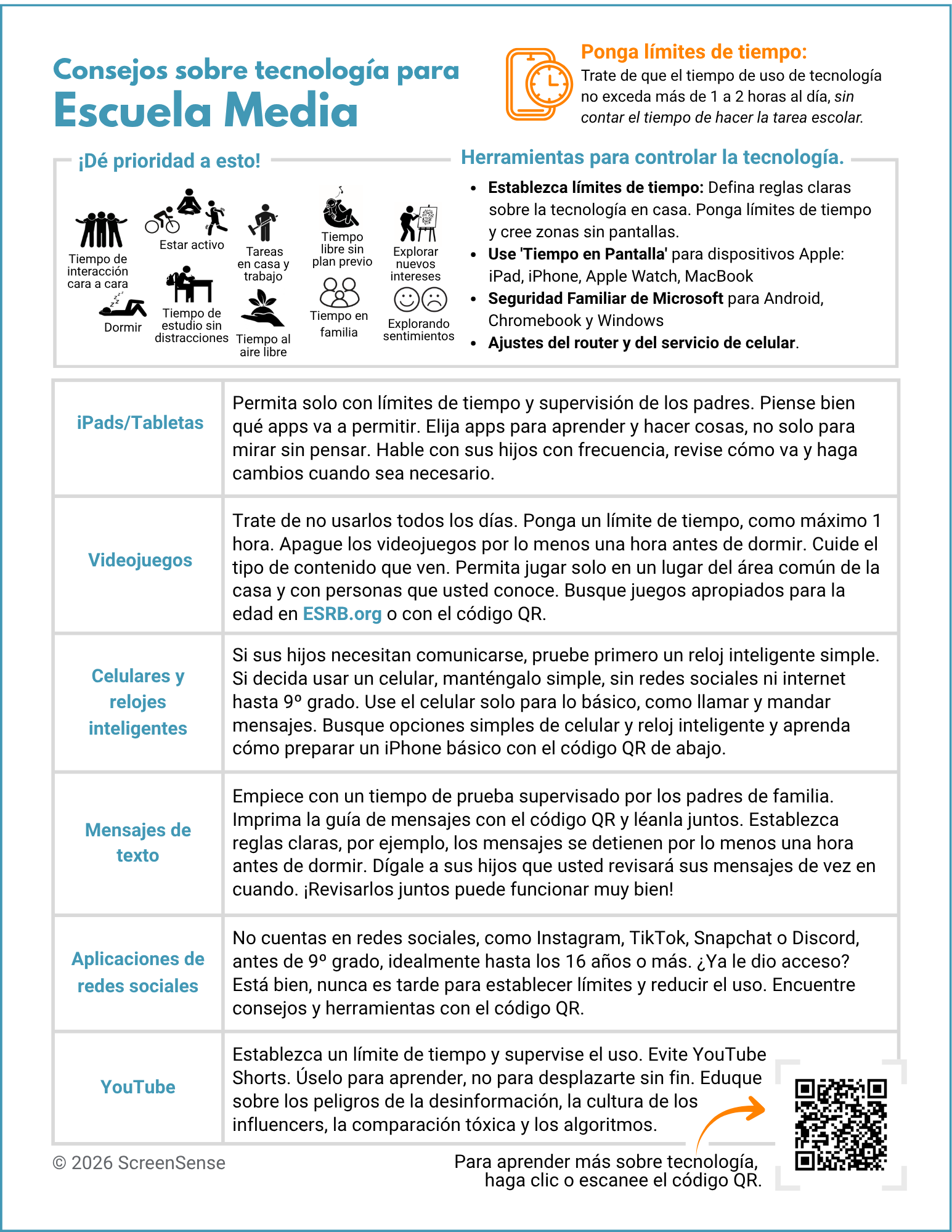
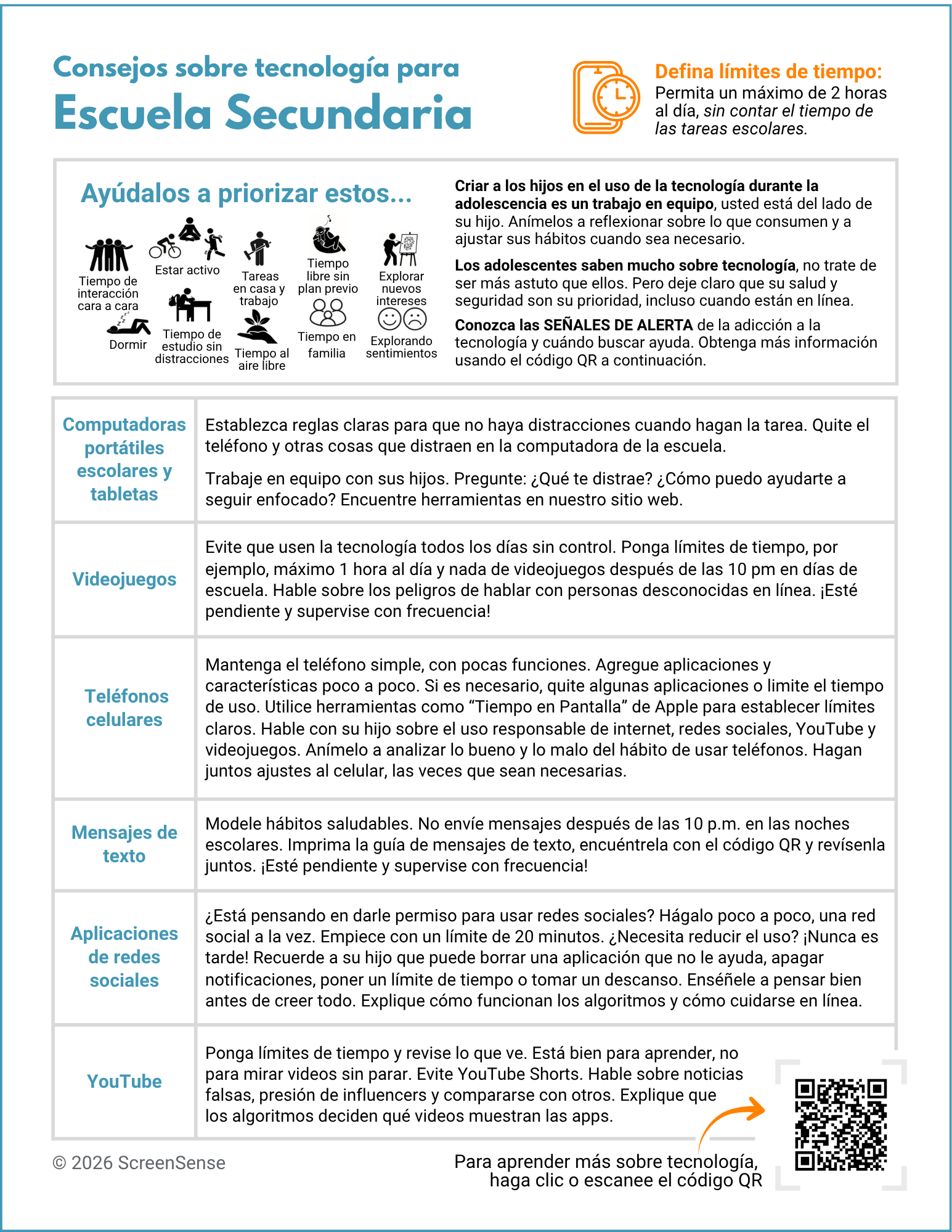
Developed in collaboration with pediatric providers and informed by current research, the ScreenSense Healthy Tech Use Guidelines help parents roll out tech slowly and intentionally with clear boundaries so screen time does not displace childhood essentials. These 2-page guidelines by age group are concise, actionable, and direct parents and caregivers to more comprehensive guidance on our Tech Recs by Age webpage. Each guide is available in English and Spanish and can be downloaded below:
Equip your clinic, school, or group to use these guidelines - contact us to learn more about our trainings for clinicians, educators, community leaders, or any practitioner who wants to put these guidelines into practice.

One-Pagers by Tech Topic
The ScreenSense recommendations by tech topic help parents and caregivers make sense of the many decisions around devices and apps. Each one-pager below is bilingual (English/Spanish) and provides a practical overview of the tech topics parents ask us about the most.
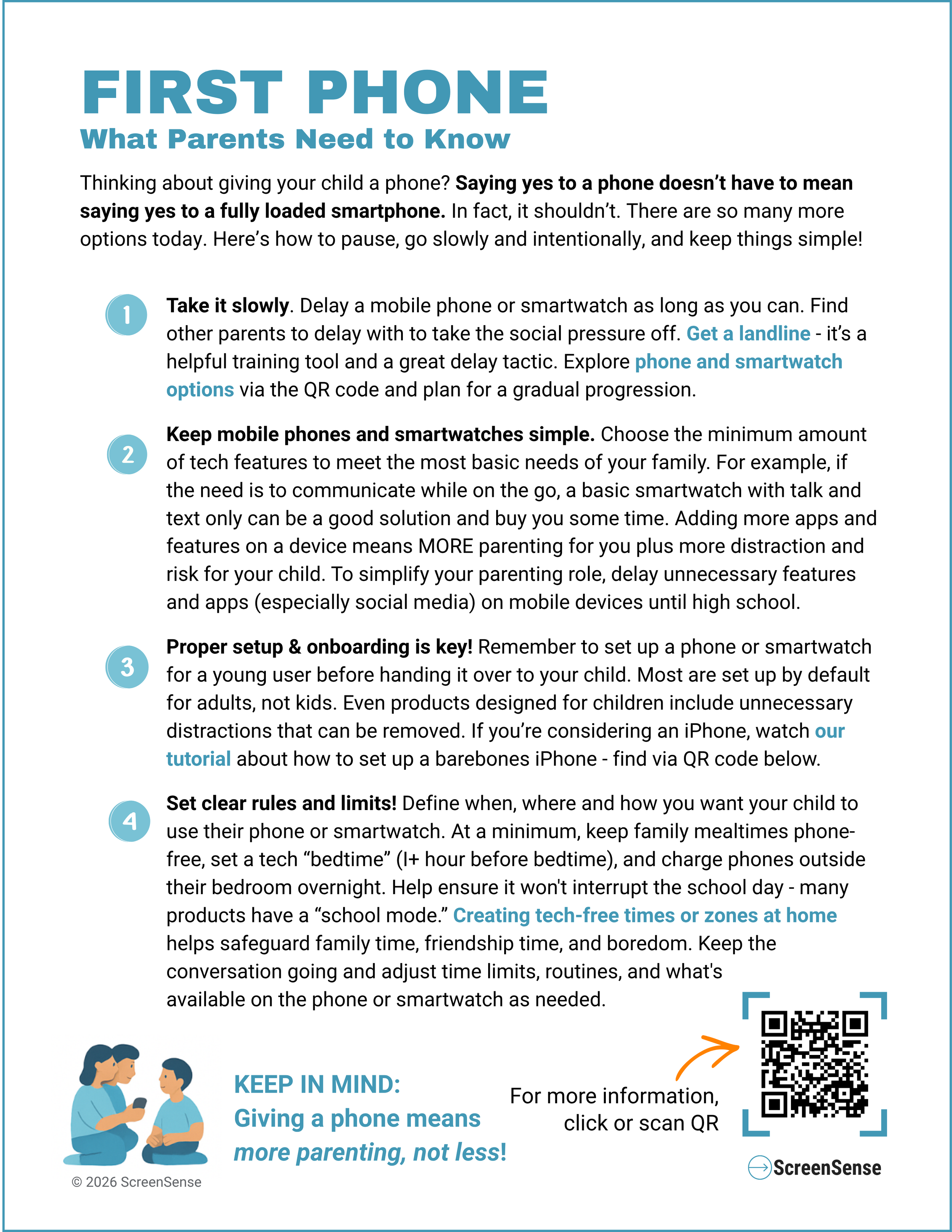
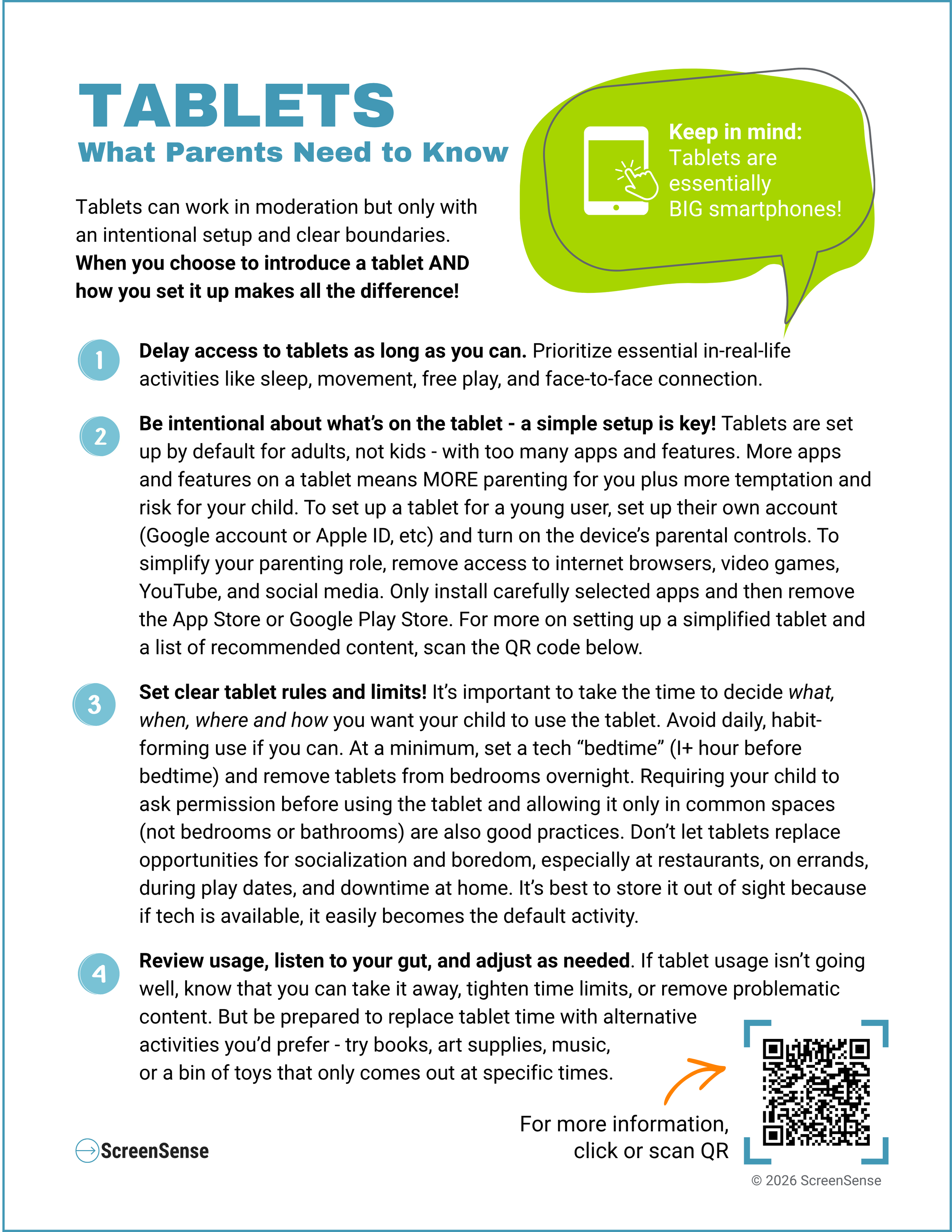
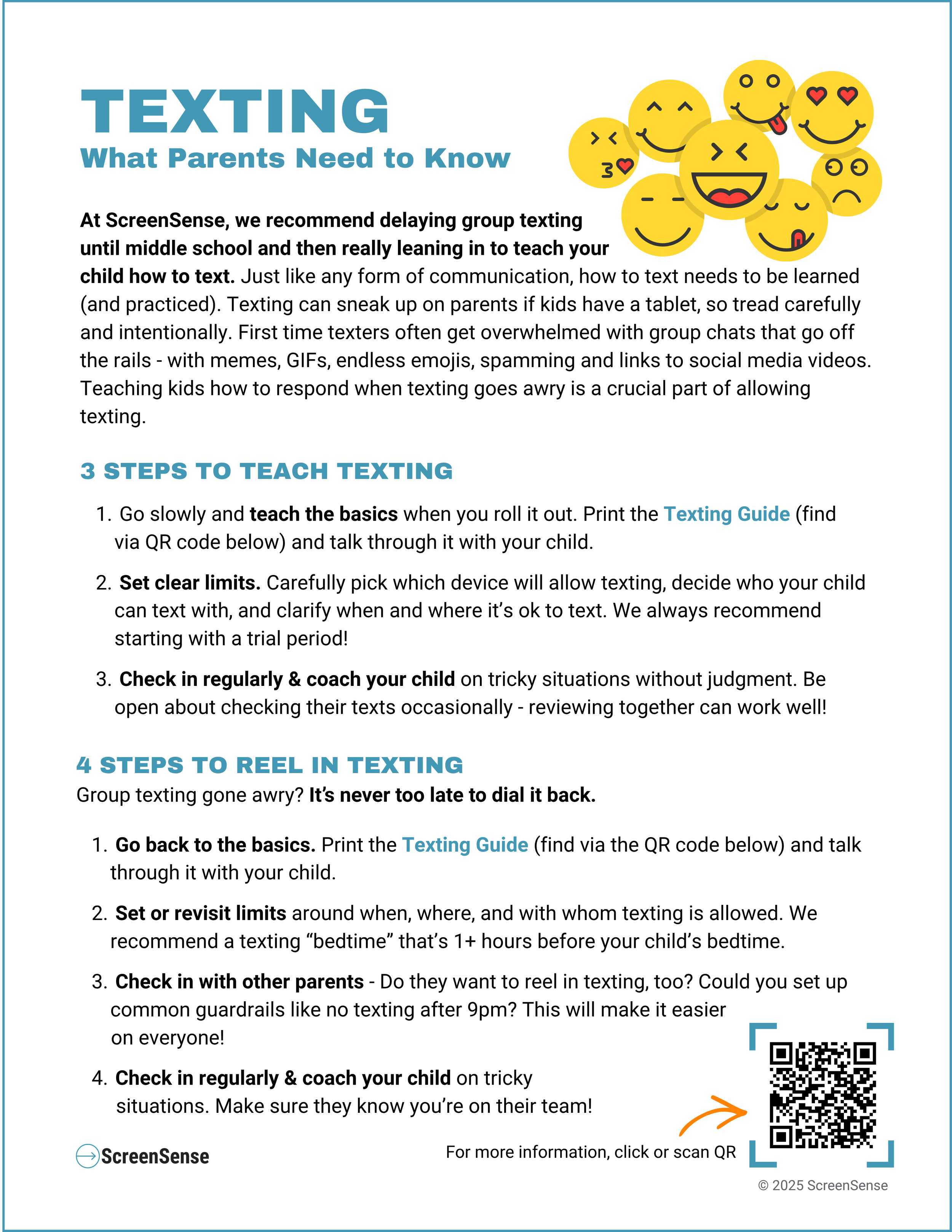
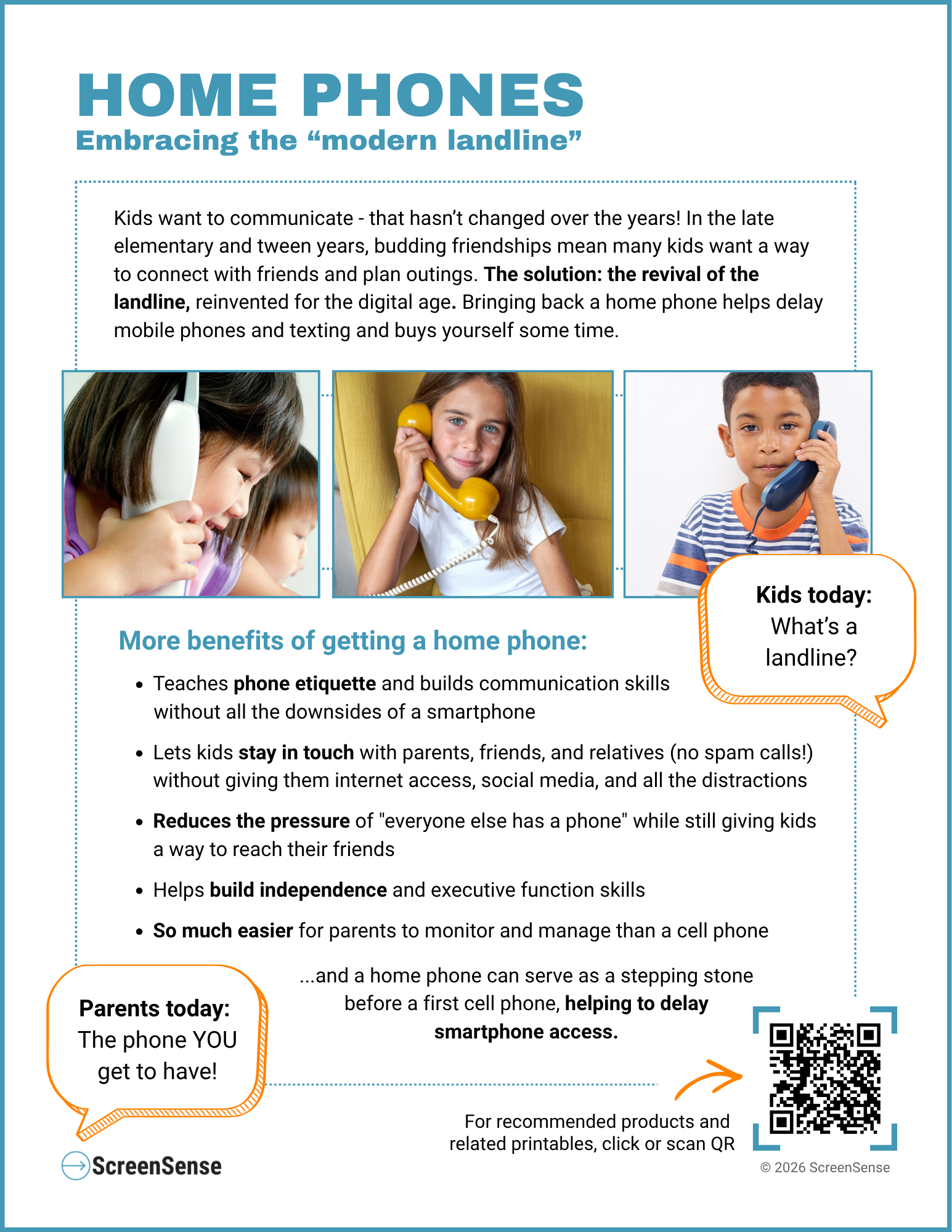
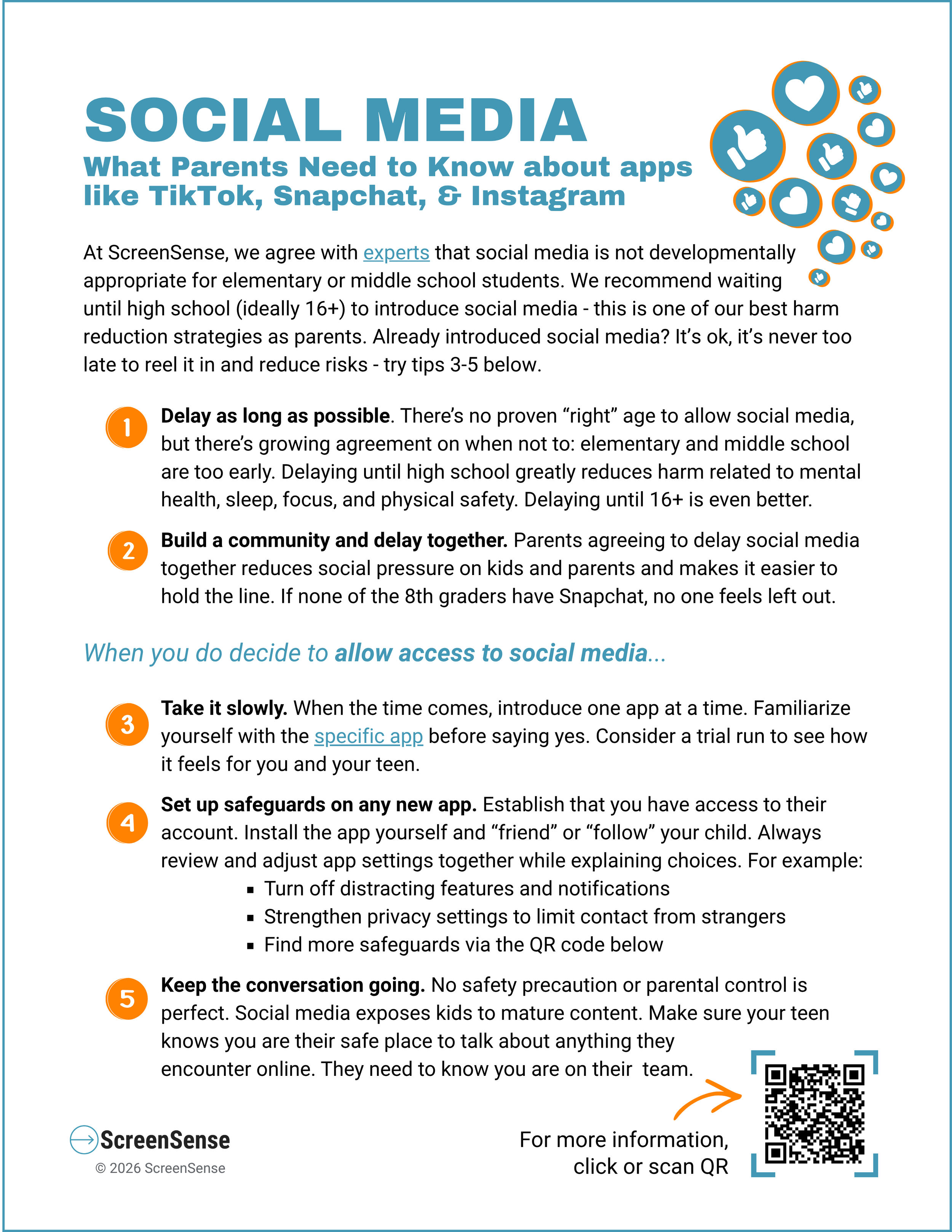
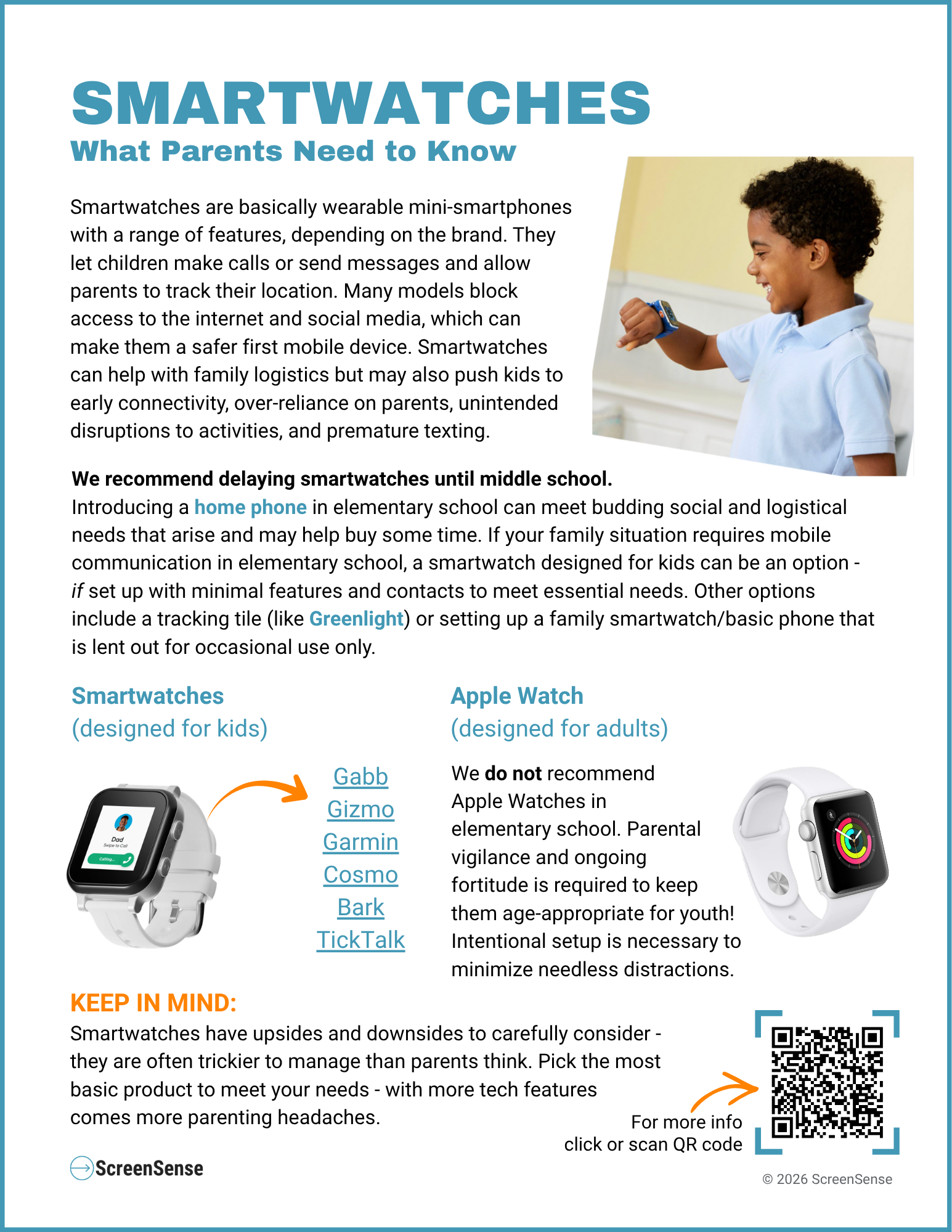
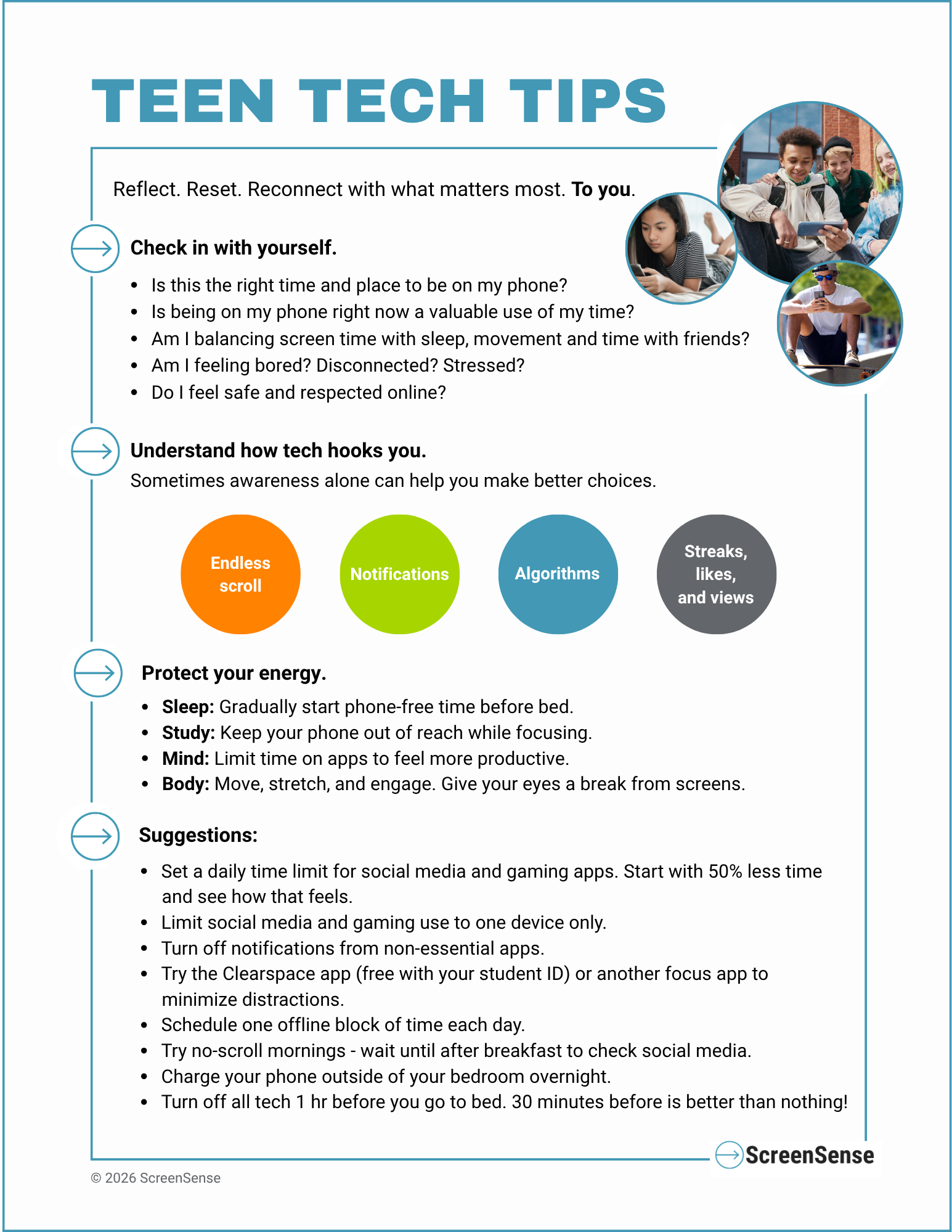
ScreenSense provides regular “Lunch and Learn” virtual presentations with Q&A about many of these tech topics throughout the school year - explore options and register to attend one via our calendar of upcoming events. ScreenSense also offers virtual and local in-person parent ed events that cover tech topics in depth. Contact us here if you’d like to bring one of our parent education events to your community.
Managing Apple Products
Apple products like iPads, Apple Watches and iPhones are designed and built for adults. They come fully loaded with features, apps, and wide-open internet access by default. An Apple product therefore must be proactively and intentionally set up by a parent to be as “simple” as possible to minimize risk and distraction. Parental vigilance and ongoing conversations are needed to keep use of Apple products in check. We recognize how prevalent Apple products are among families so provide these handouts to help parents navigate their upsides and downsides.
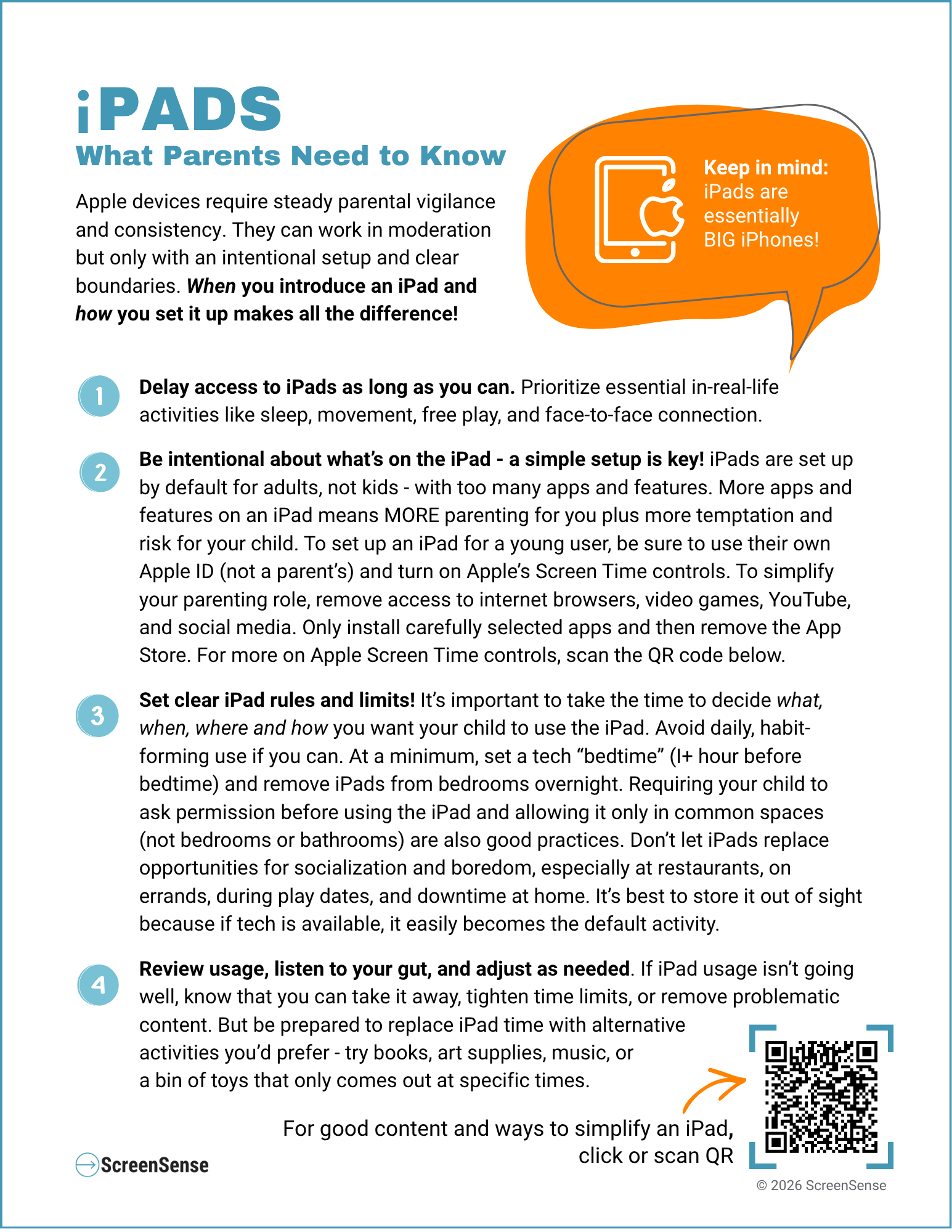
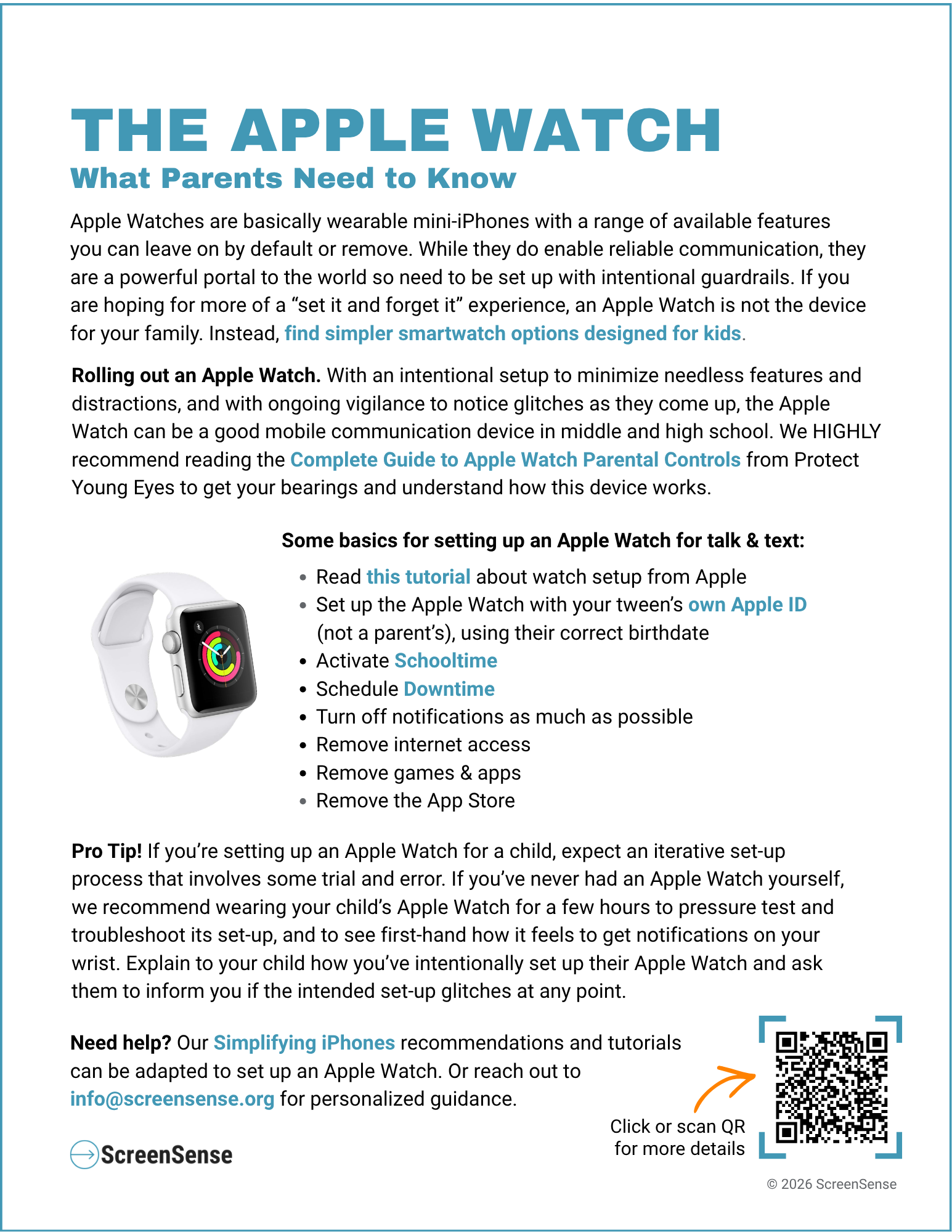
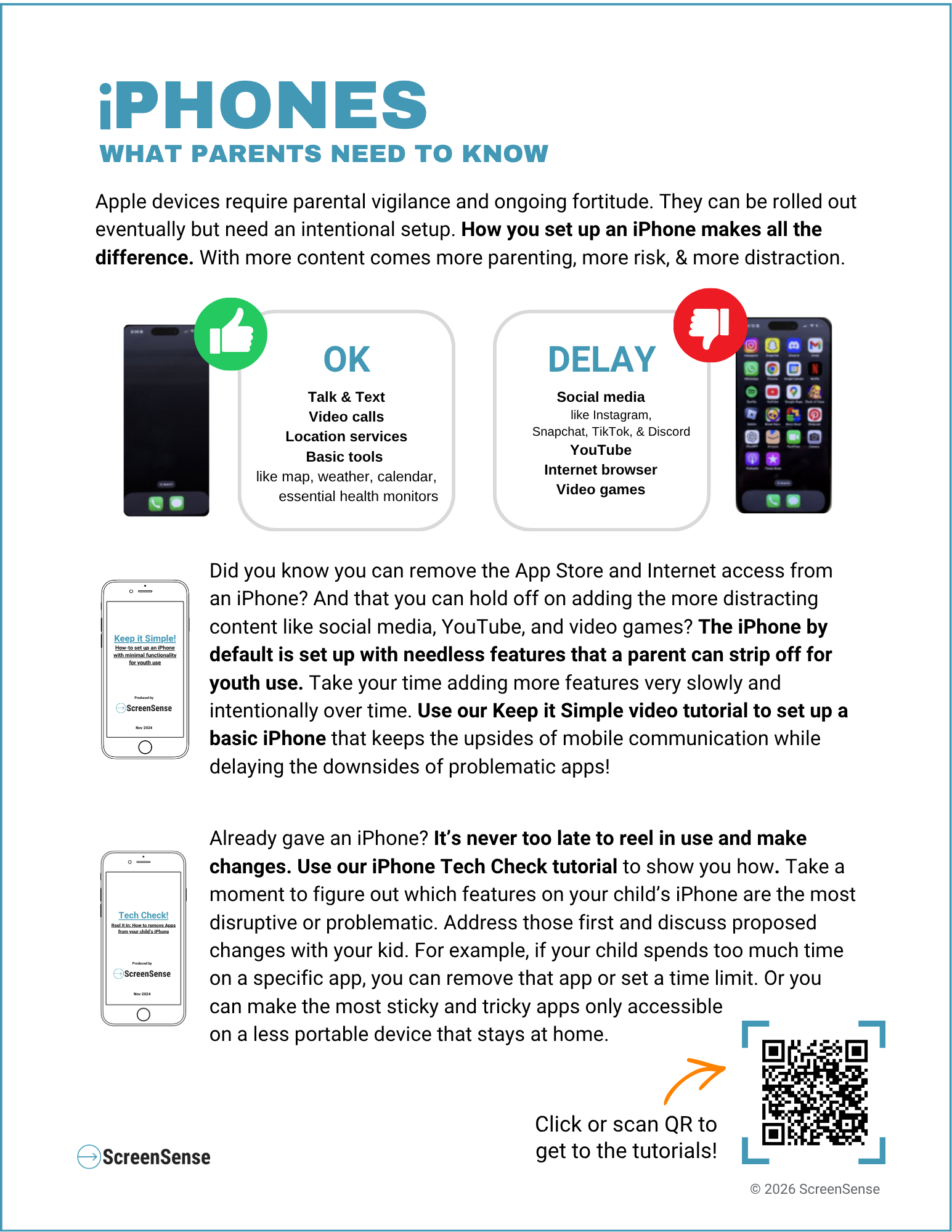
Want more guidance? Optimize the built-in parental controls provided by Apple Screen Time. Find better iPad content. Learn how to simplify an iPhone or explore simpler phone alternatives.
Talking about Tech with your Kids
Raising kids in the digital age means we need to talk regularly and openly with our kids about how, when, and why we use tech. No parental control or filter is foolproof and new apps, workarounds, and popular content pop up faster than any settings can keep up with. That's why having ongoing conversation is our best tool for helping kids navigate the digital world safely and thoughtfully. Car rides and dinner time can be low-pressure times for these check-ins. It can be hard to know how to start these conversations, so we’ve gathered our go-to prompts to help get you talking about tech. Download our printables below!
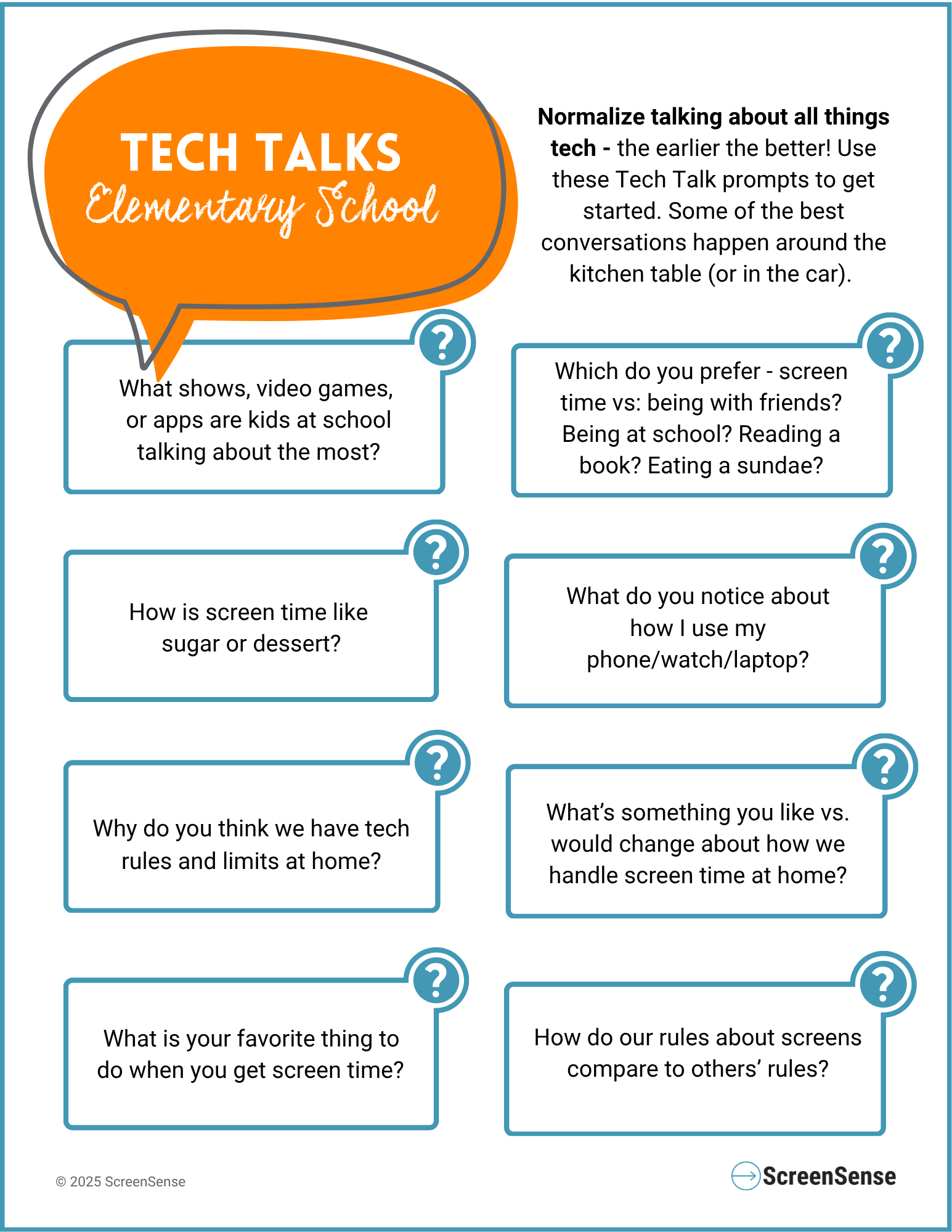
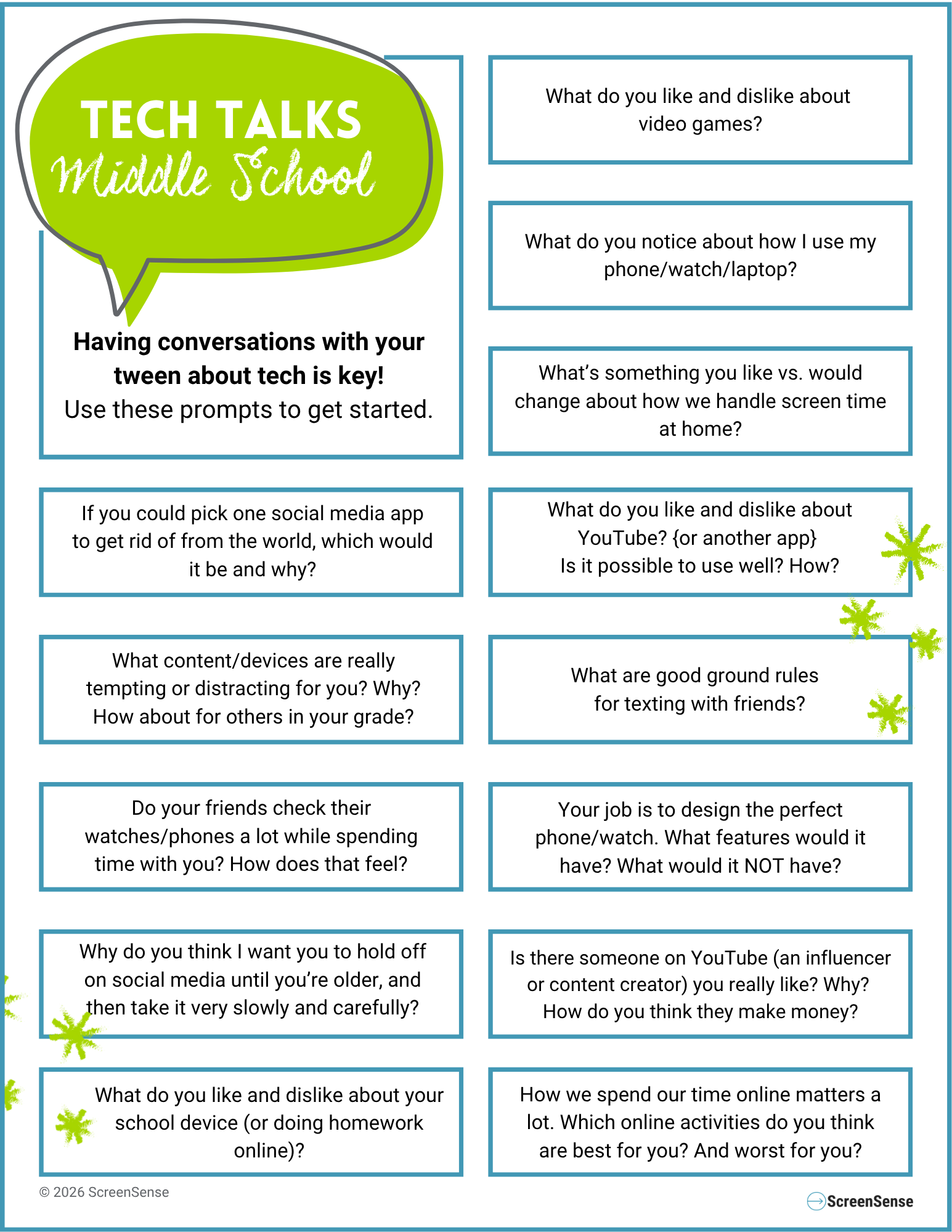
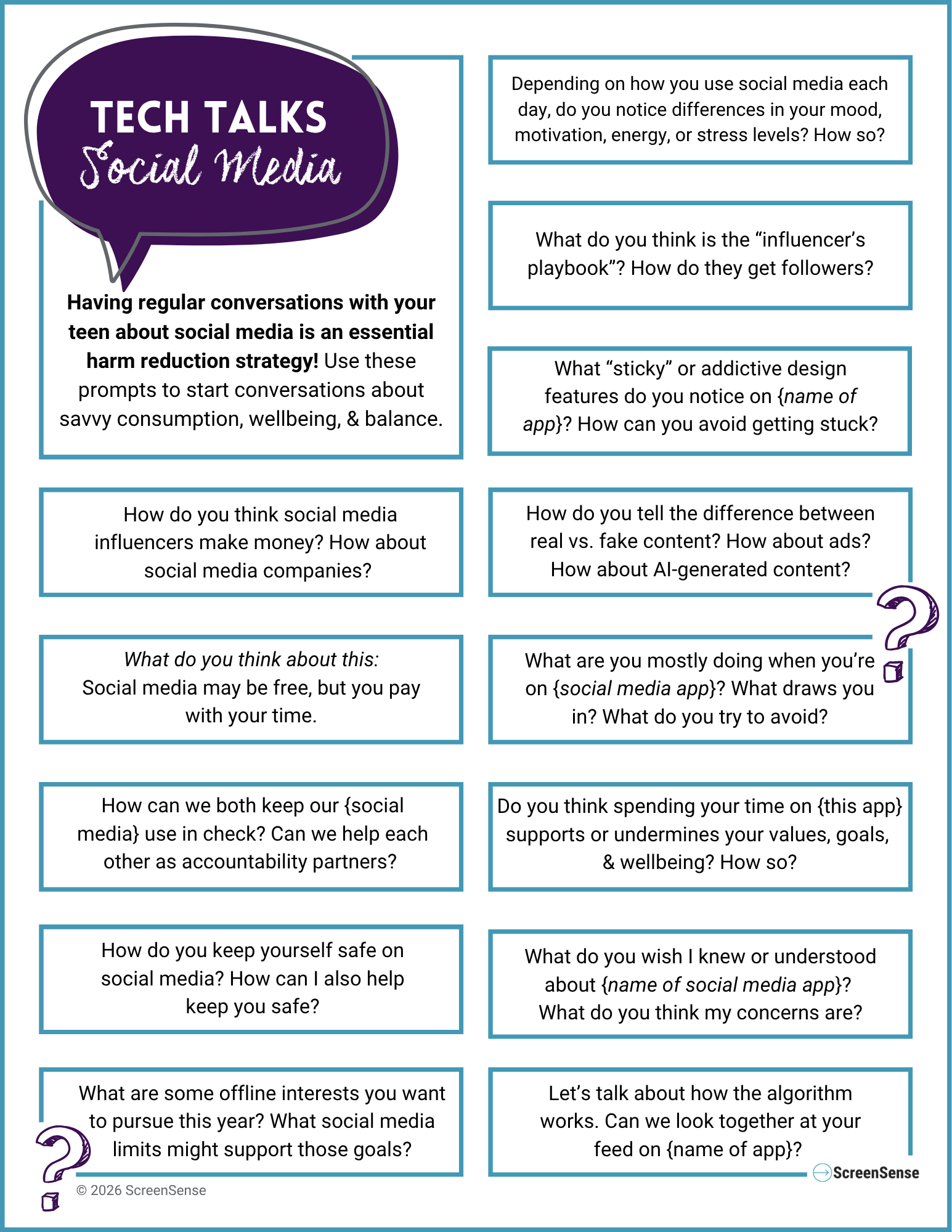
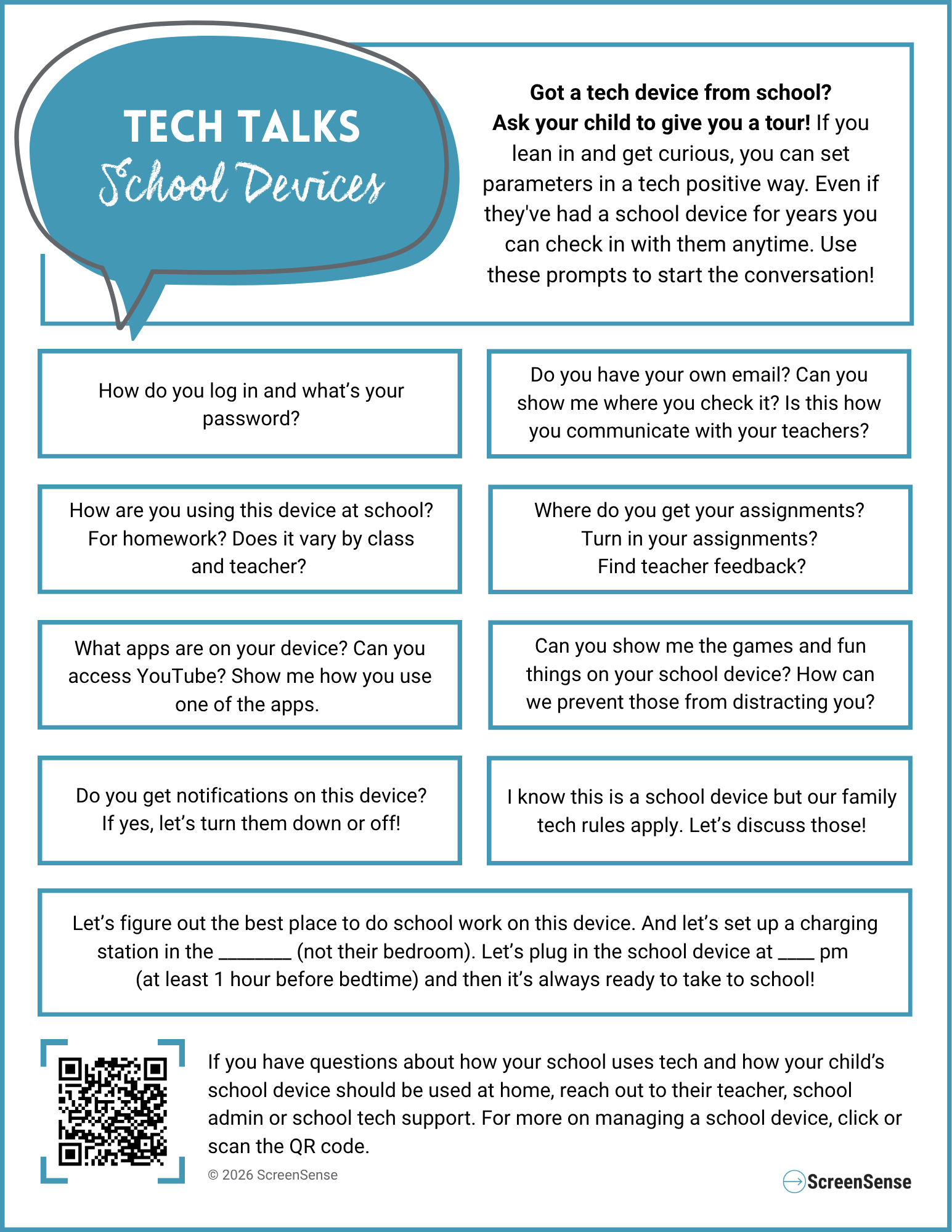
Want more ways to talk about tech as a family? See our favorite books and videos that help you talk about taking tech gradually and intentionally.
Holding Tech Boundaries at Home
The ScreenSense printable signs and handouts help make your tech boundaries and values crystal clear. Creating tech-free zones (bedrooms, bathrooms, dinner table) and times (bedtime, homework time, family time, playtime) is a key way to support healthy tech use at home. Proactively protecting sleep is essential in the digital age - if screens are within reach, they too easily interfere. These one-pagers and printable signs are bilingual (English/Spanish):
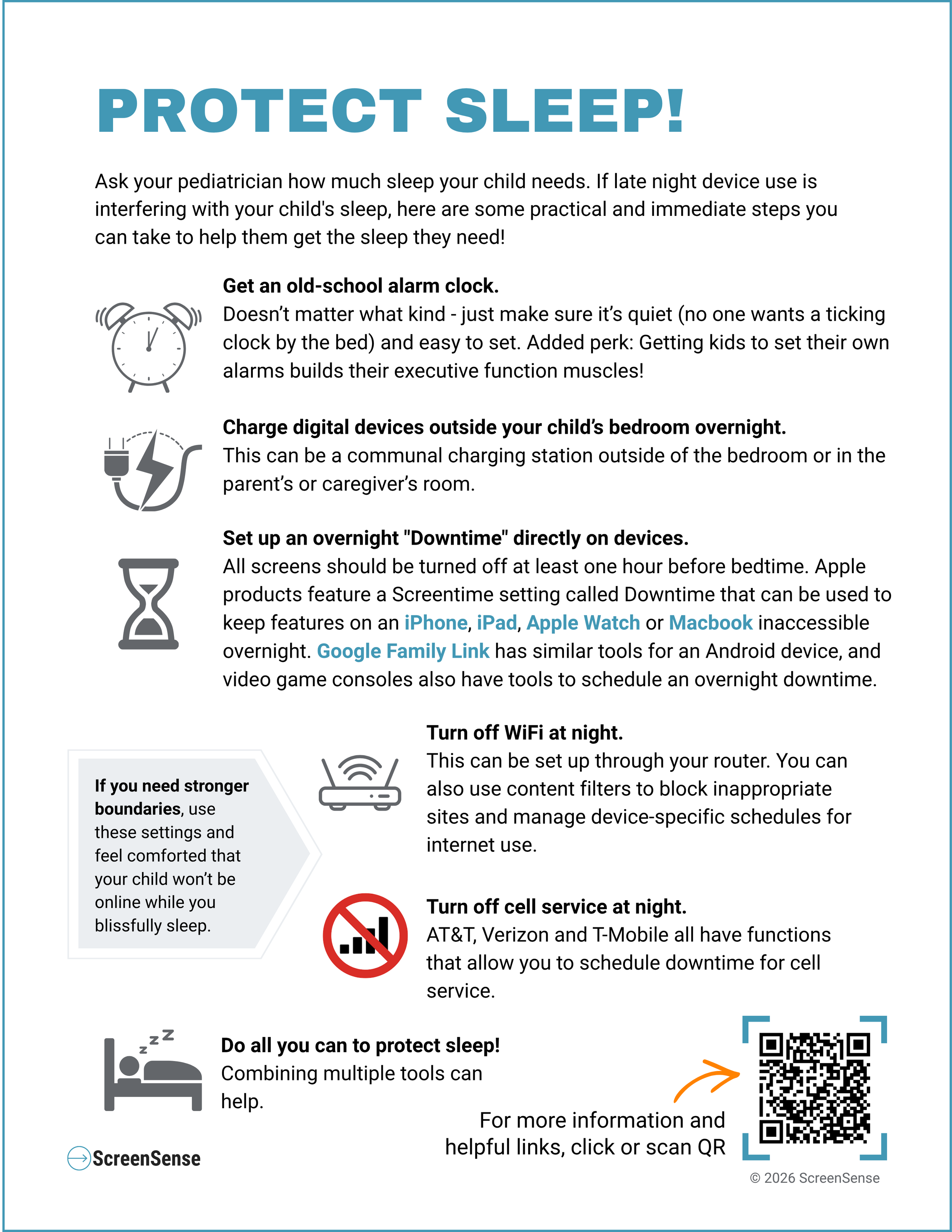
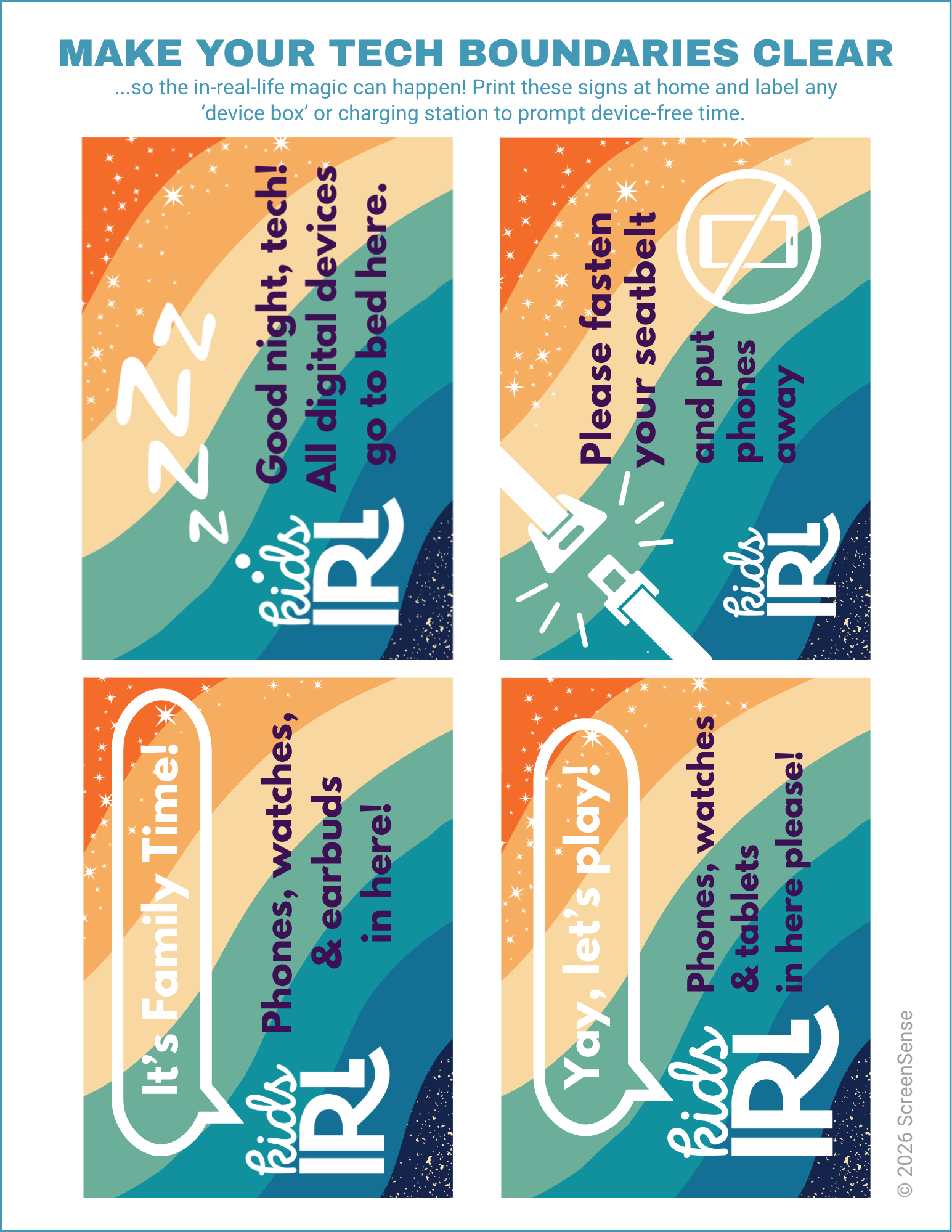
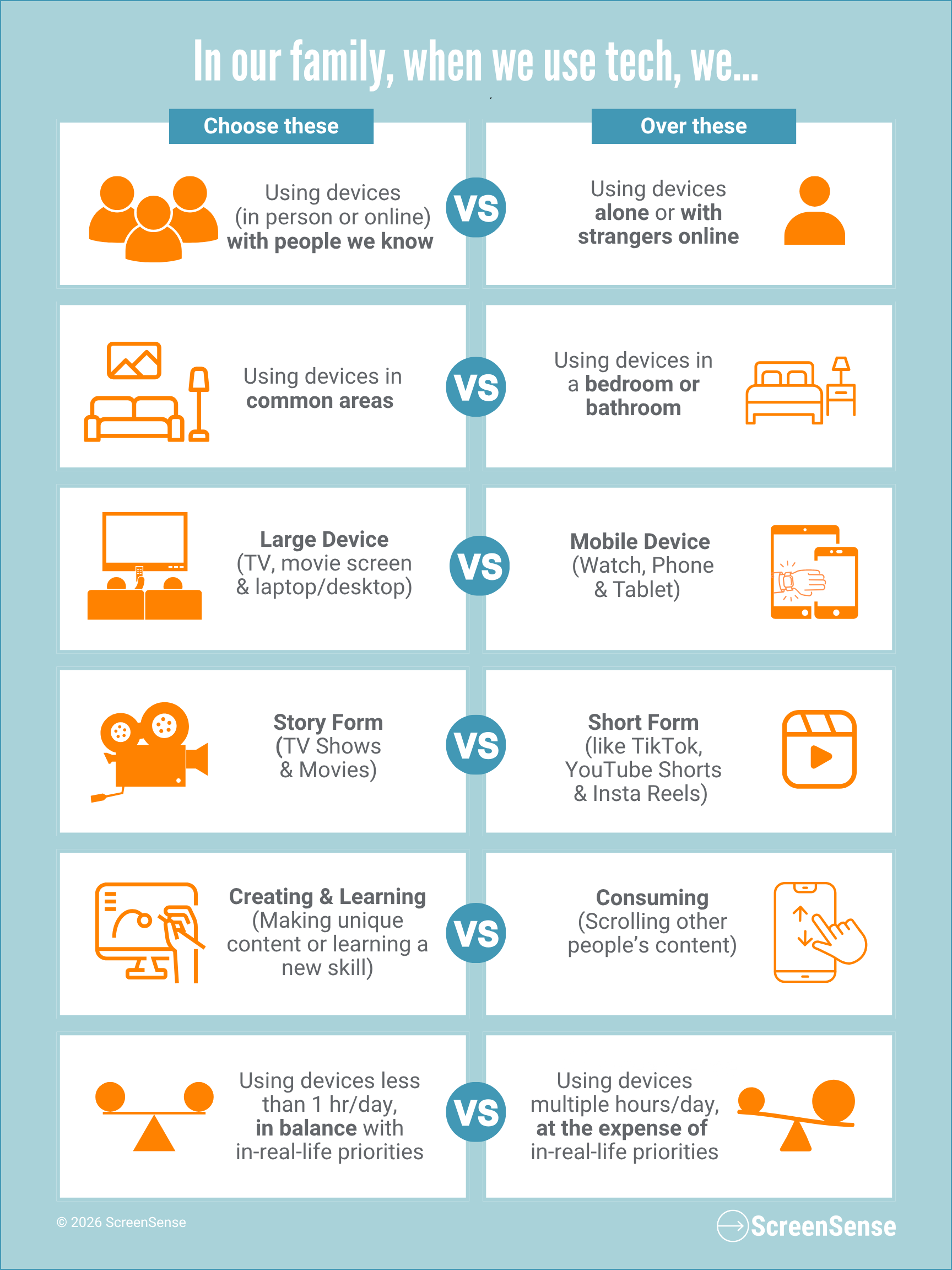
Want more? Check out our webpages about Protecting Sleep and Creating Device Free Zones for more details and information on how to set up and maintain tech boundaries at home.